
ATSEN post dated 2026-09-21
A plausible value on the display does not automatically validate the signal in the PLC.
During commissioning, this assumption can hide incorrect scaling.
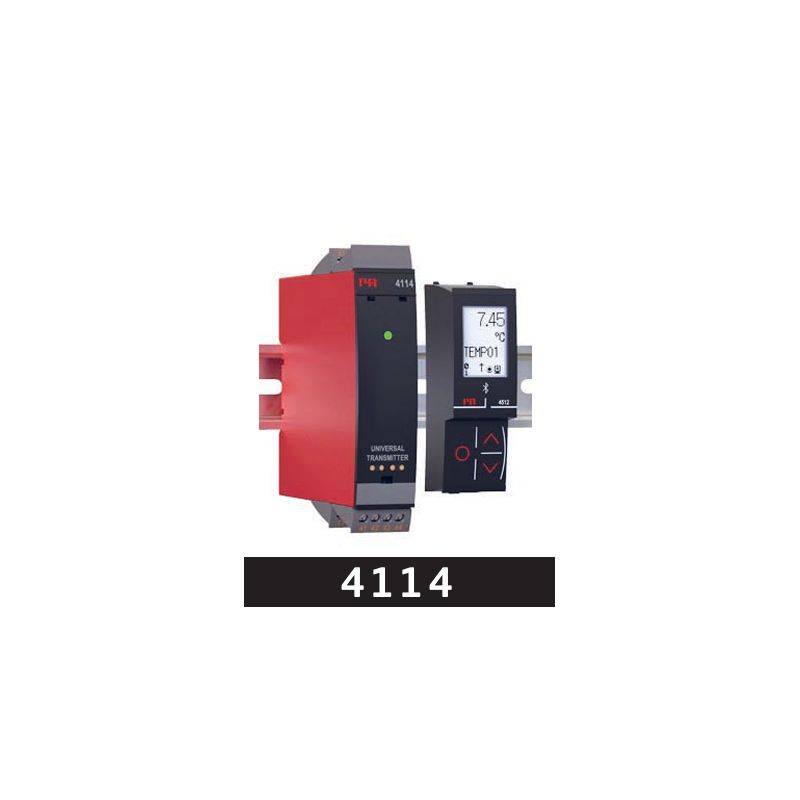
With the PR 4114 from PR electronics and the appropriate front accessory, you can:
• configure the input for RTD, TC, resistance, potentiometer, mA or V, and the current or voltage output;
• simulate the output signal and view error diagnostics on the detachable local display;
• monitor measured values on a PC in ATSEN Optimetria, with real-time display, calculations and history exportable as CSV for Excel.
The optional PR 4511 module is required for the PC connection:
PR 4511
It adds Modbus RTU over RS-485; a compatible PC interface and configuration of the communication and registers in the software are required.
The digital reading alone does not validate the scaling of the PLC's analogue input, and output simulation does not prove that the sensor is measuring correctly.
What mismatch have you found between the local indication and the value in the PLC, and which check clarified the cause?
ATSEN Optimetria:
ATSEN Optimetria
For resellers and integrators: the discount is activated manually after account creation, contact and confirmation of your status.
#Commissioning #SignalConditioning #IndustrialDiagnostics #PLCIntegration
Source: ATSEN — LinkedIn